
Educators
Getting Started with Humly: Your First Week in Supply
TL;DR
- Getting set up on Humly takes minutes. Your profile, availability, and documents are all managed through the app
- Your first booking can come within 24-48 hours of registration being approved
- The app shows you the school, role, rate, and date before you accept anything. No surprises
- Your first week is about building confidence, getting to know how the platform works, and making a strong impression at the schools you visit
- The educators who build the best supply careers on Humly are the ones who treat every booking as an opportunity to be requested back
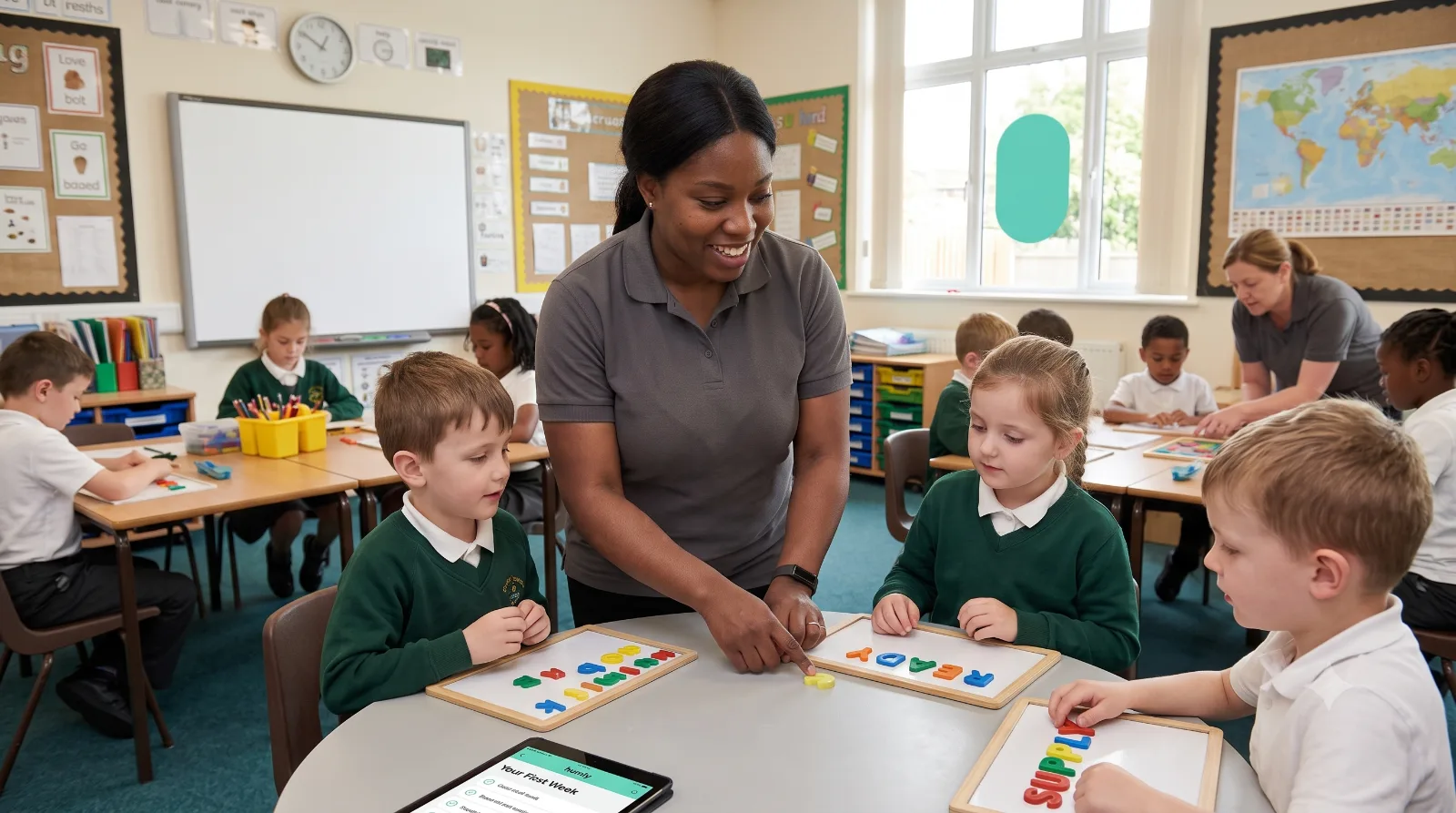
Starting something new is always a little daunting. A new platform, a new way of working, a new school you've never been to before. Even experienced educators feel a degree of uncertainty in their first week of supply.
The good news is that the uncertainty fades quickly. Within a few days, the app becomes second nature, the booking process feels routine, and the first school that requests you back gives you the confirmation that you're doing this right.
This guide walks you through exactly what to expect in your first week on Humly. From completing your profile to accepting your first booking and making the most of the relationships you start to build from day one.
48hrs
typical time from approved registration to first booking on Humly
100%
of role details — school, rate, date, role type — visible before you accept
3-5
schools in your preferred pool after a strong first month on the platform
Before your first booking. Getting set up
Download the app and create your profile
The Humly app is available on iOS and Android. Creating your profile takes around fifteen minutes if you have your documents to hand. You'll be asked for:
- Your personal details and contact information
- Your qualifications. Degree, QTS certificate, or vocational qualifications as relevant to your role
- Your DBS certificate details, or a request to apply for one through the app if you don't have a current one
- Two professional references. Names, roles, and contact details for referees who can confirm your suitability to work with children
- Your bank details for payment
Take time over your profile. A complete, accurate profile with a professional photo gets matched to bookings faster than an incomplete one. Schools see your profile before confirming a booking. First impressions start here.
Set your availability
This is one of the most important things you'll do on the platform, and it's worth spending a few minutes thinking about before you set it.
Your availability tells Humly. And the schools using the platform. Which days you're open to work. You can set a default weekly pattern (for example, available Monday to Thursday, not available Friday), block out specific dates for personal commitments, and update your availability in real time as your plans change.
Be honest with your availability. If you set yourself as available on days you're not actually willing to work, you'll receive bookings you have to decline. And a pattern of declining affects how you appear in matching. If a day is uncertain, leave it unset rather than marking it available speculatively.
Set your role and location preferences
As well as availability, you can specify the types of role you want. QTS teacher, HLTA, Level 3 TA, nursery nurse. And the areas you're willing to travel to. The more specific you are, the better the match quality. If you're only willing to work in primary schools, say so. If you're happy with early years settings as well as primary, include that.
Location preferences work on a radius basis. Be realistic about how far you're willing to travel for a day's work. A long commute at 6:30am is a different proposition from the same distance at a normal start time.
What happens during registration review
Once you've submitted your profile, Humly's team reviews your application. Typically within 24 hours on weekdays. They'll verify your qualifications, check your DBS status, and contact your references. References are often the part of the process that takes longest, since it depends on your referees responding promptly.
If there's anything missing or unclear in your application, the team will contact you directly through the app. Keep notifications enabled during this period so you can respond quickly and avoid delays.
Your first booking. What to expect
How bookings reach you
Once your registration is approved, you'll start receiving booking notifications. These appear as push notifications on your phone and show you the key details immediately: the school name and location, the role, the date, the start and finish time, and the day rate.
You accept or decline directly from the notification. If you accept, the booking is confirmed instantly. No phone calls, no back-and-forth. If you decline, the booking moves to the next matched educator in your area.
The speed of this process works in your favour and requires something from you in return: responsiveness. Bookings. Particularly same-day and next-morning bookings. Are time-sensitive. An educator who responds quickly gets more bookings than one who takes hours to reply. In the first week especially, try to respond to every notification within a few minutes.
Reading a booking before you accept
Before you accept, look at the full booking detail screen. This shows you:
- The school's name, address, and a map
- The role and year group or subject if specified
- The start and finish time
- Your confirmed day rate for this booking
- Any notes added by the school about the class or the day
If anything in the booking detail is unclear. If the role seems different from your preferences, or the location is further than you'd normally travel. It's better to decline than to accept and find out the reality on the morning. Use the app's messaging function to contact the Humly team if you have a question before accepting.
The night before
Once you've accepted a booking, do your preparation that evening. Confirm the school's exact address and check your travel route. Allow more time than you think you need, especially for a school you haven't visited before. Read any notes included in the booking. Check your documents are in your bag: photo ID, DBS certificate, and any qualification documents you might be asked for on a first visit.
Set your alarm early enough that a slow start doesn't put you under pressure. Being calm and prepared when you arrive makes a tangible difference to how the day goes.
Your first day. Making it count
Your first supply day sets the tone for everything that follows. The habits you establish in your first week tend to stick. And the reputation you start building from day one is the foundation of your supply career.
Arrive early
Aim to arrive at the school fifteen minutes before your contracted start time. This gives you time to sign in, find the staffroom, get your bearings, and ask the questions you need answered before the pupils arrive. Supply educators who arrive at the last minute are noticed. And not positively.
Introduce yourself to the right people
When you arrive, sign in at reception and ask to be introduced to the year group lead or department head for the class you're covering. This person will give you the lesson plans, tell you where resources are, and be your point of contact if anything unexpected happens during the day. Knowing who to call before you need them is one of the most important things you can establish in the first ten minutes.
Ask the right questions before the day starts
Don't wait until a problem arises to find out how things work. Before you go to your classroom, ask:
- Where is the work set for today, and what format is it in?
- What is the school's behaviour management system, and what should I use?
- Who do I contact if there's a serious behavioural incident?
- Where are the nearest toilets for pupils to use during lessons?
- What happens at break and lunch. Do I have a duty?
- Where should I leave my end-of-day handover note?
These questions take three minutes to ask and save you from improvising under pressure later in the day.
Complete your timesheet before you leave
At the end of the day, complete your timesheet through the Humly app before you leave the building. This is important for two reasons: it ensures you're paid accurately and on time, and it closes the booking correctly on the platform. Schools and Humly both use timesheet data. Don't leave it until you get home and forget.
“My first week I was nervous about everything — the app, the schools, whether I'd remember to do the timesheet. By day three it was completely natural. The app is genuinely simple, and the schools I visited were welcoming once they saw I knew what I was doing.”
Building your supply career from week one
Your first week isn't just about surviving your bookings. It's about laying the groundwork for a supply career that gets better over time.
Leave a great handover note every time
We've covered this in detail in our supply teacher tips guide, but it bears repeating here. A clear, factual end-of-day handover note. What was covered, what wasn't, any pupils worth mentioning positively or noting for the returning teacher. Is the single most reliable way to be requested back. It takes ten minutes and it lasts. Make it a habit from your very first day.
Rate your experience on the app
After each booking, Humly prompts you to rate your experience at the school. Do this every time. Your ratings feed into the matching system and help Humly surface the right bookings for you in future. If a school was particularly welcoming and well-organised, say so. It affects how prominently that school appears in your future matches. If something was difficult, noting it helps Humly understand your preferences better.
Mark schools as preferred
If you've had a good day at a school and would welcome a return booking, mark them as a preferred school in the app. This signals to Humly that you want to build a relationship there, and it means the platform will surface bookings from that school to you ahead of others in your area.
Keep your availability accurate
As the week progresses, keep your availability updated in real time. If your plans change and you're no longer available on a day you'd marked open, update it immediately. If a day you'd left unset becomes available, add it. The matching algorithm works on current availability. Stale data means missed bookings or declined notifications you should never have received.
Be patient with the first week
Your first week will probably not look like your fifth week. The matching system is learning your preferences, your DBS and references are freshly verified, and the schools in your area haven't worked with you yet. Booking frequency typically increases after the first two to three weeks as your profile builds, preferred school relationships develop, and the platform has more data to match you accurately.
If your first week is quieter than you expected, that's normal. Use the time to make sure your profile is complete, your availability is accurate, and your documents are all in order. The bookings come.
Getting paid
How Humly payments work
Humly processes payments on a weekly basis. Once your timesheet for a completed booking is approved, your payment is processed in the next payment run. Payments are made directly to the bank account you registered during setup.
If a timesheet is queried. If there's a discrepancy between your submitted hours and the school's records. Humly's team will contact you to resolve it before processing payment. Keep your own record of start and finish times for each booking as a reference.
Holiday pay
As a Humly educator, you accrue statutory holiday entitlement on your earnings. Humly handles this as a percentage uplift on your earnings, paid out regularly rather than as a lump sum at the end of the year. Your payslip will show the breakdown of your day rate and your holiday pay accrual for each booking.
Payslips and tax
Your payslips are available in the app under your account settings. Humly operates PAYE. Income tax and National Insurance are deducted at source, so you don't need to manage a self-assessment tax return for your Humly earnings unless you have other self-employed income. If you're unsure about your tax position, HMRC's online tools or a brief conversation with an accountant will give you clarity.
Ready to get started?
Download the Humly app, set up your profile, and start receiving supply bookings that fit your life.
Register as an educatorFAQs
Related Articles

Teaching Tips
5 Tips for Successful Substitute Teaching

School Management
How Schools Can Reduce Staffing Stress
Industry Insights